
Autodesk Revit Classification Manager
This tool allows you to apply classification data to Revit elements from systems such as UniFormat, MasterFormat, OmniClass, Uniclass, or even a custom database.
Source: Autodesk Whitepaper Classification Systems.pdf
You can use it to insert classification data into your models from a database of different classifications. When you use it with Uniclass it will write the following parameters into the object’s Type Properties:
Classification.uniclass.Pr.Description
Classification.uniclass.Pr.Number
Classification.uniclass.Ss.Description
Classification.uniclass.Ss.Number
NBS Plug-in for Autodesk Revit, used with Lattira Spec and NBS Chorus
This tool allows you to coordinate your specification with your Revit project. You can associate articles or clauses in your specification to component and material objects in your model. When you associate, the plug-in inserts parameters to the type properties of the object. The parameters contain references to the article or clause in the specification.
The NBS plug-in will report when associated objects and the specification do not match. It does this by comparing the parameter values of associated objects with the specification. So if the model developer or the specification author makes a change to either document which causes them to fall out of sync, this is reported and can be easily corrected.
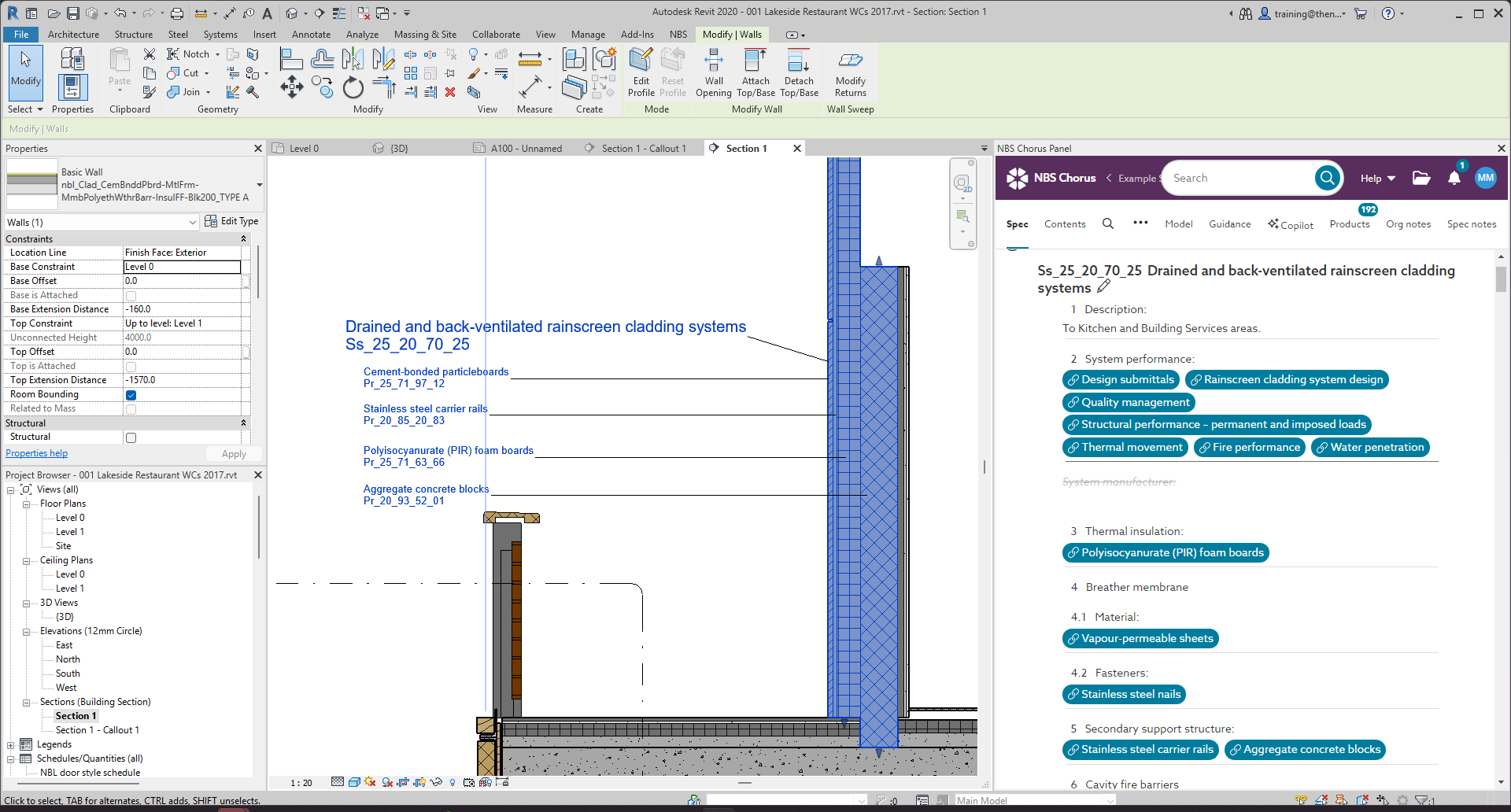
Please refer to the separate Parameters inserted into objects after association support article for details of the parameters added when an association is made using the NBS Plug-in for Autodesk Revit.
The key difference to the Autodesk Revit Classification Manager is the NBS plug-in is used to coordinate the two documents, so they contain information that compliments each other. It helps to find out when the two documents have fallen out of sync.
When linking models and specifications together on a project, the NBS recommended way of working is to use the NBS Plug-in for Autodesk Revit.