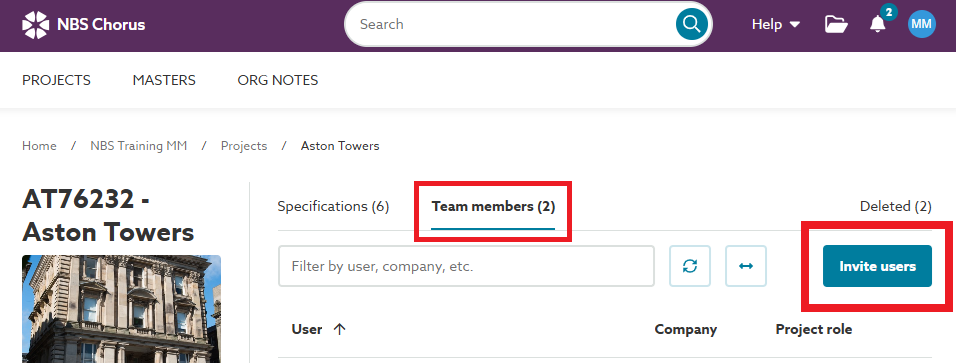
You can invite users to any project you have created or where you hold administrator permissions.
Related articles:
Inviting someone to collaborate on a project
The easiest way to verify if you can invite users to a project is to go to one of the two locations in Chorus where this option is available.
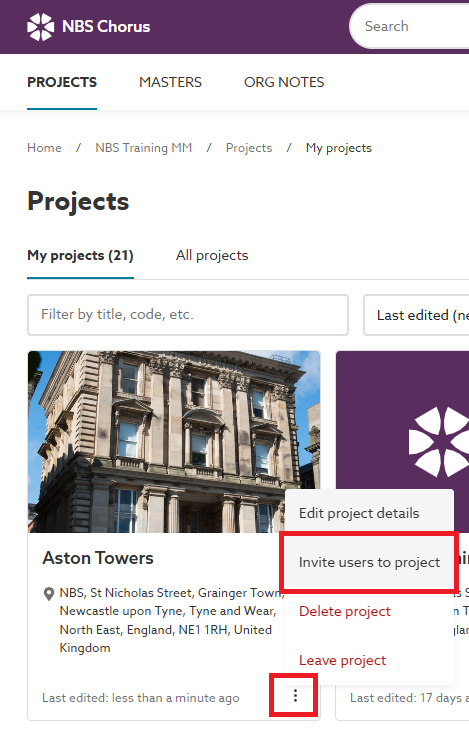
1) Find the project on the Project Dashboard, click on the project menu button (the three dots). If you see the option to 'Invite users to project', select this and invite the additional users.
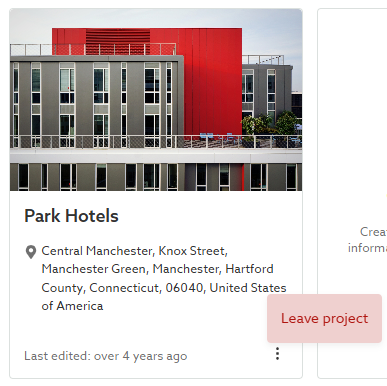
If you lack administrator permissions on a project, you'll only see the 'Leave project' option in the menu and won't be able to invite new users.
2) Access the project from the Project Dashboard, then go to the ''Team members' tab. If the 'Invite users' button appears on the right.