
As your Project progresses you may need to remove objects that are no longer required, or not longer meet your criteria. You can remove an object from your Project by selecting the 3-dot menu icon to the right of the Object you wish to remove and selecting 'Delete'
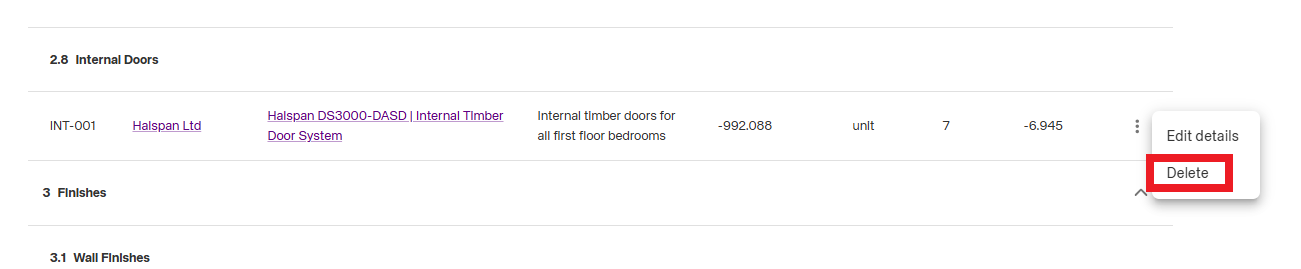
Important: Once an Object is deleted from your Project you will not be able to undo this change. You can however re-add the object from the NBS library.