
When browsing the NBS library you have the option to compare similar products. The feature allows you to have a side by side comparison of up to 3 products at a time to compare where the products differ to aid your decision.
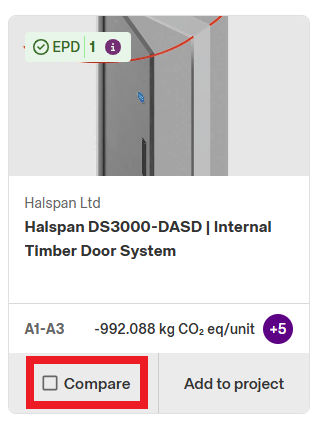
To compare products, select the 'Compare' check box in the bottom left of the product on the object list.
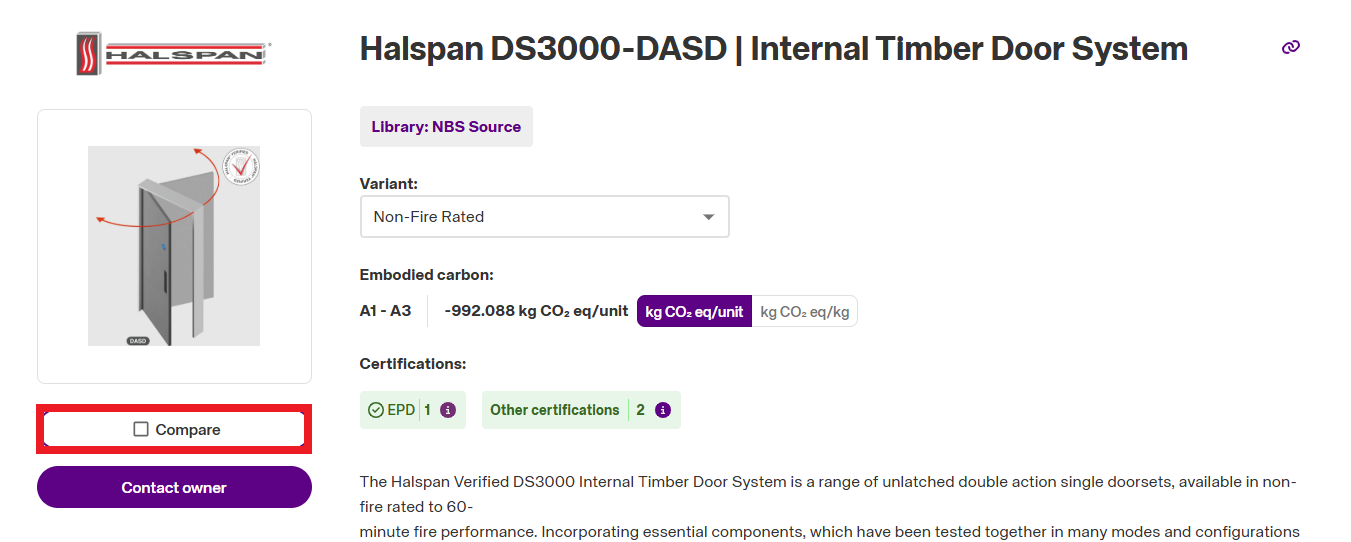
Or, if you have opened a product up to veiw more information, you can select it for comparison by selecting the 'Compare' checkbox to the left of the page.
Once you have selected the products you wish to compare, you can access the side-by-side comparison by selecting the 'Compare' option at the bottom of the page.
