These requests will come through from AMs, usually if a user has changed their email address or was set up with incorrect email address.
- Find user in admin section of the site
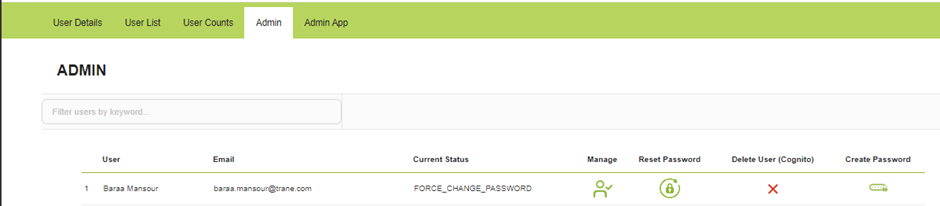
- Delete will remove their access so make sure you have the correct person before performing this action.
- Switch to SF
- Update “User Username” and “Product Email Delivery” fields

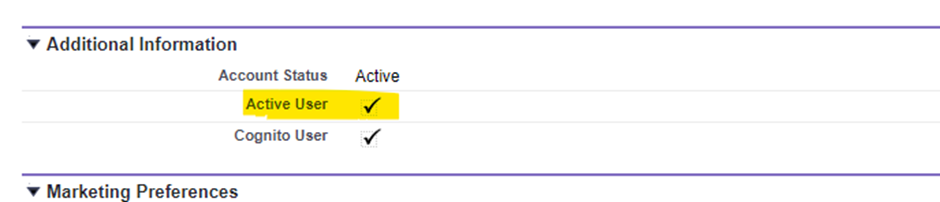
- Untick the active user so.
- Click save. (which will appear once you have made the changes)
- Then with the correct details included, click create user.

- This will resend the welcome email; you can check it was sent in the admin section.
- Force password means they have had their welcome email and not updated their password yet.
The AM should update all the contact details for the user, but best practice would be to check.
Action the change, let the AM know, #welcome email, close the ticket
