
There is a scenario you may experience when logging into the platform that the home page appears blank, this may also be accompanied by an error message 'Something went wrong: Unhandled Error NG04008' displayed at the bottom of the screen, or you may see this error message when clicking on the NBS Chorus logo or Projects tab:
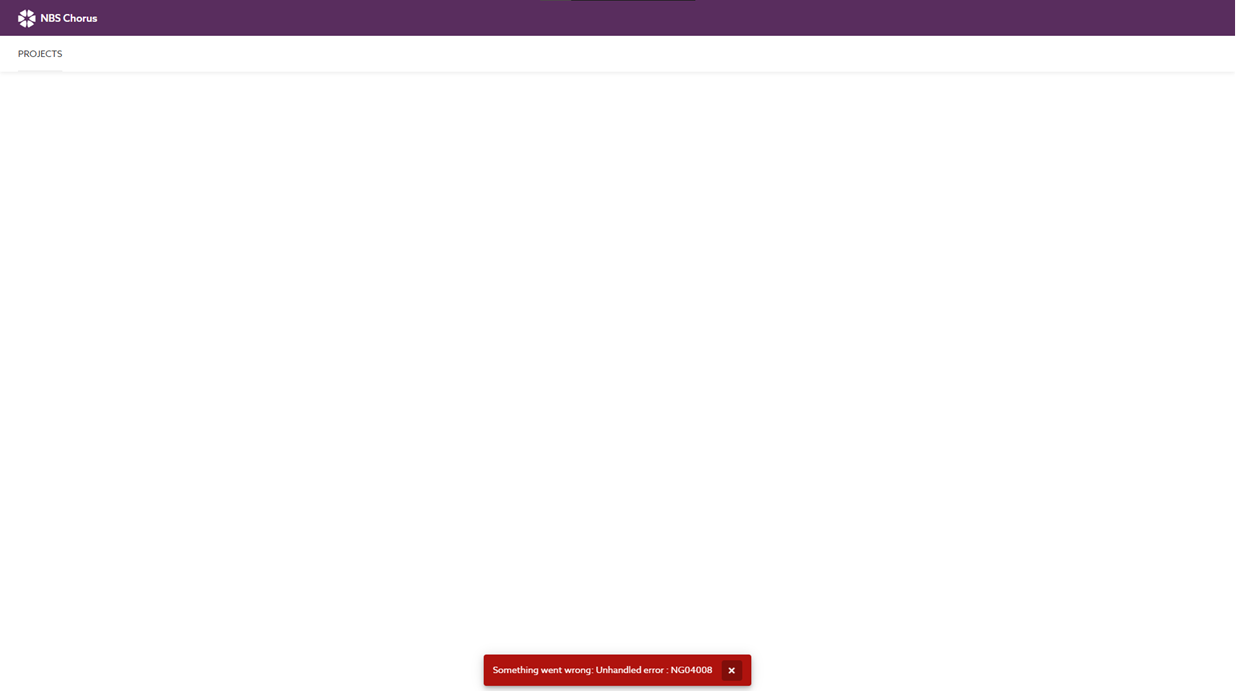
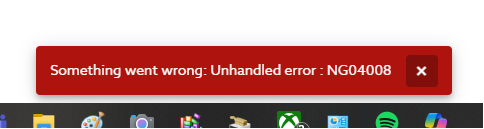
The most common reason for this error is that the device's date and time are not synchronized with the world clock. (Our licensing servers rely on accurate time synchronization.) You can log in on another device or machine without any problems, as your account is not to blame.
On the affected device, you'll need to synchronize or manually set the date and time to match the world clock. You might be able to do this yourself, but your IT Team or Department may have restricted access, preventing you from making these changes or even seeing the options. If that's the case, please contact your IT Team or Department for assistance with the adjustment.
Once this is adjusted and the device is rebooted, you should be able to log into NBS Chorus and access your projects etc.
If you still encounter the same problem after synchronizing or manually setting the date and time on your device, or if your colleagues are facing the same issue, there may be other factors that your IT Team or Department need to investigate. Please share this article with them.
If the devices in your LAN/WAN synchronize their date and time with an internal server or service, make sure this server's or service's time is also synchronized with the world clock. If you make adjustments here, you'll need to re-synchronize the affected local device(s).
If your users are still encountering the above noted issue, please add "wss://api.chorus.thenbs.com/realtime" to your firewall's whitelist and ensure Web sockets are enabled for your web browsers.
The app connects to wss://api.chorus.thenbs.com/realtime for all our real-time updates.
Should you continue to experience issues after following the above, please contact our support team on 0345 456 9594, by email to support@thenbs.com, or by raising a ticket through the support forum.