Changing Password of NBS ID
Modified on: Tue, 17 Jun, 2025 at 8:11 AM
Instructions to change NBS ID Password
- Login with your existing NBS ID: https://account.thenbs.com/
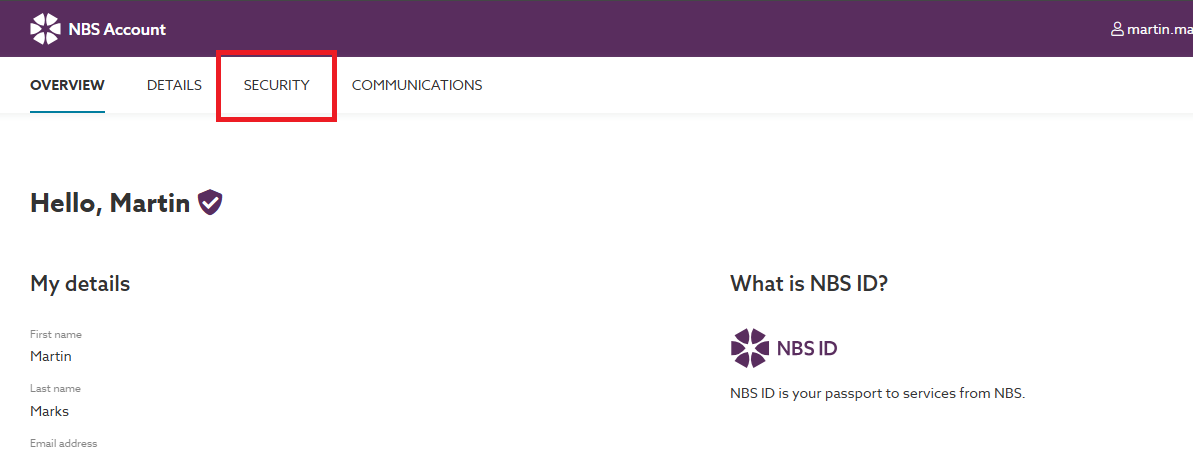
- Select the ‘Security’ tab
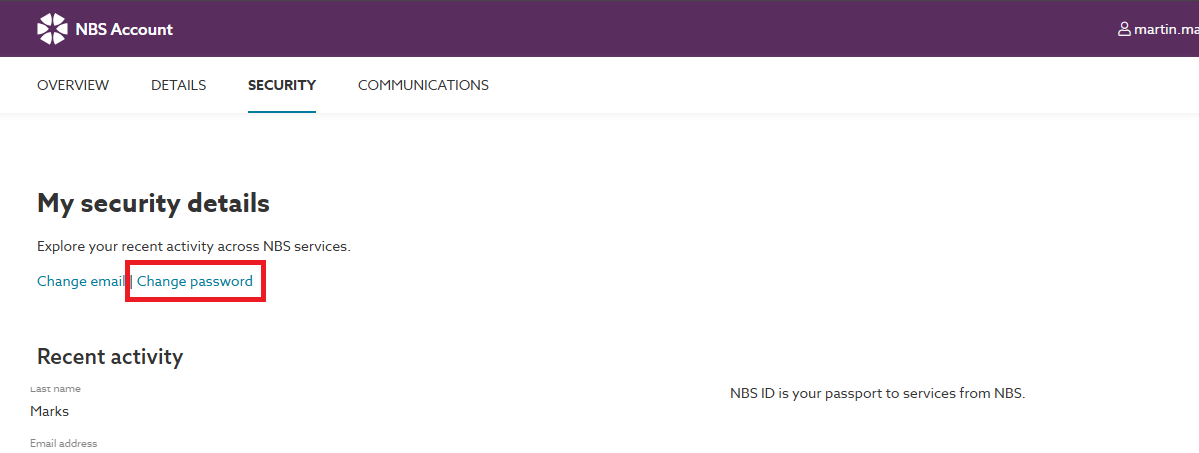
- Select the ‘Change Password’ button, then enter your current password and the password you wish to change to:
- You should then receive an email to confirm the change of password, if you do not, first check your spam/ junk folder. If the email is not in there get your IT team to add noreply@thenbs.com and no-reply@thenbs.com to your mail filters safe senders list.
If any issues occur please contact our support team on support@thenbs.com
Did you find it helpful?
Yes
No
Send feedback Sorry we couldn't be helpful. Help us improve this article with your feedback.
