
This message appears when your session ends.
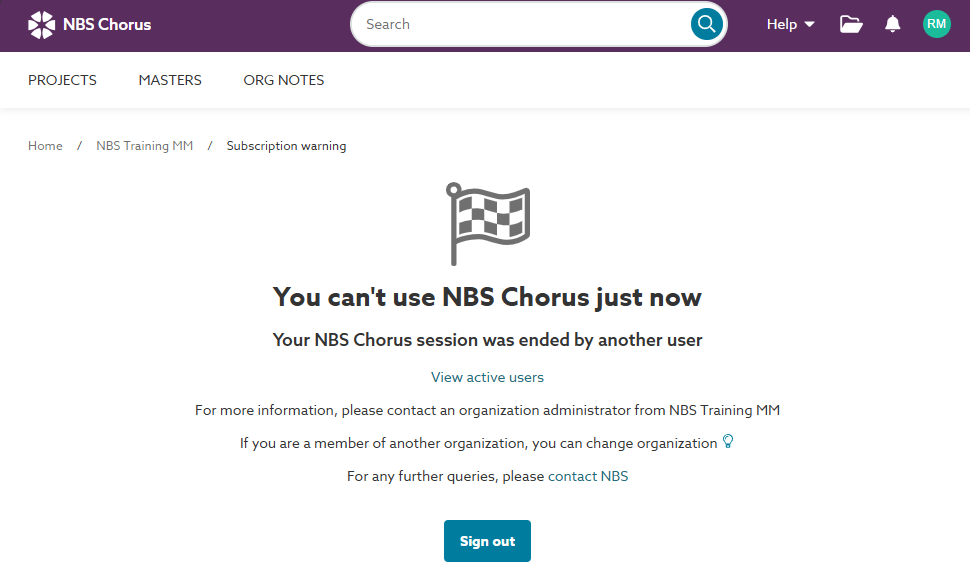
If you see this message:
- Check that you are signed in to the correct organization profile for the work you are doing.
- Click on your avatar or initials in the right-hand corner.
- Select ‘Change organization’ from the menu.
- Ask other users to finish and sign out.
- Purchase more capacity.
- If you find the subscription is often full, please contact your account manager to increase its capacity.
Related articles: