
This message is displayed when the number of active sessions for the organization has reached the subscription limit:
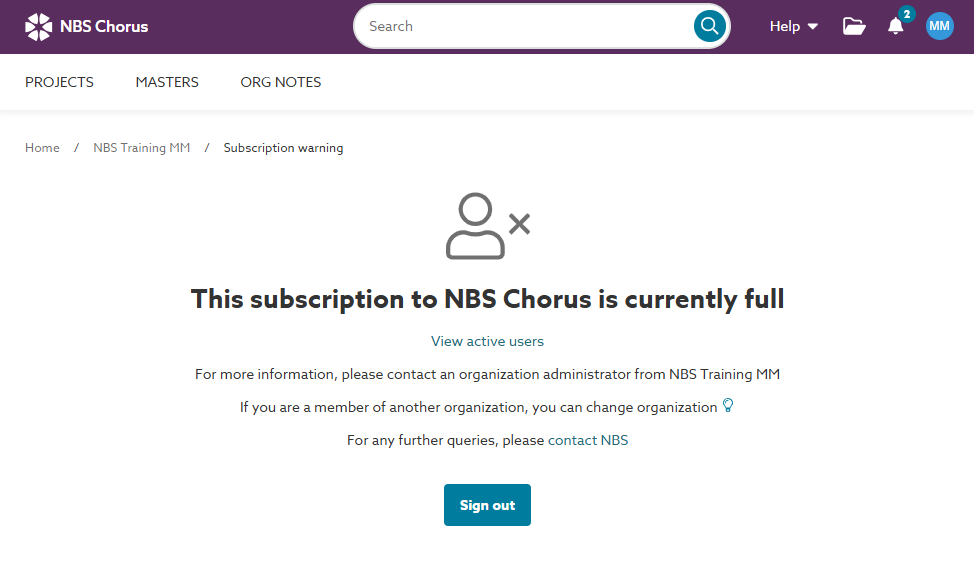
It can be very frustrating when the subscription is full. When this happens, there are a couple of things to check:
- Check that you are signed into the correct organization.
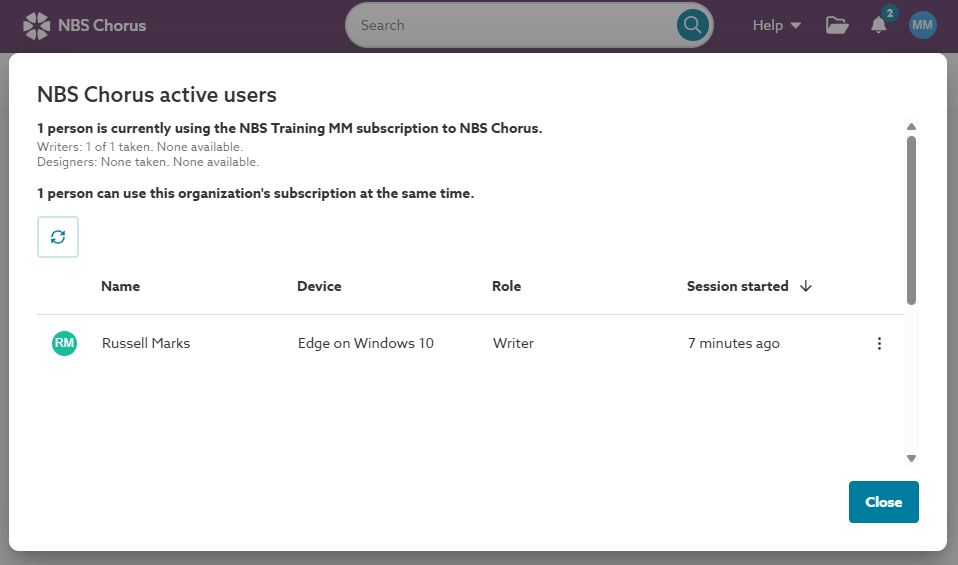
- Check who else is signed in and for how long; the platform will tell you. Maybe someone else can sign out.
- Probably a last resort, but your organization may consider increasing the concurrent users in the subscription.
See below for how to check the first two.
1. Check you are signed into the correct organization
If you collaborate with other organizations you may be signed into the wrong organization. The platform returns you to the organization you were signed into in the previous session when you sign in again.
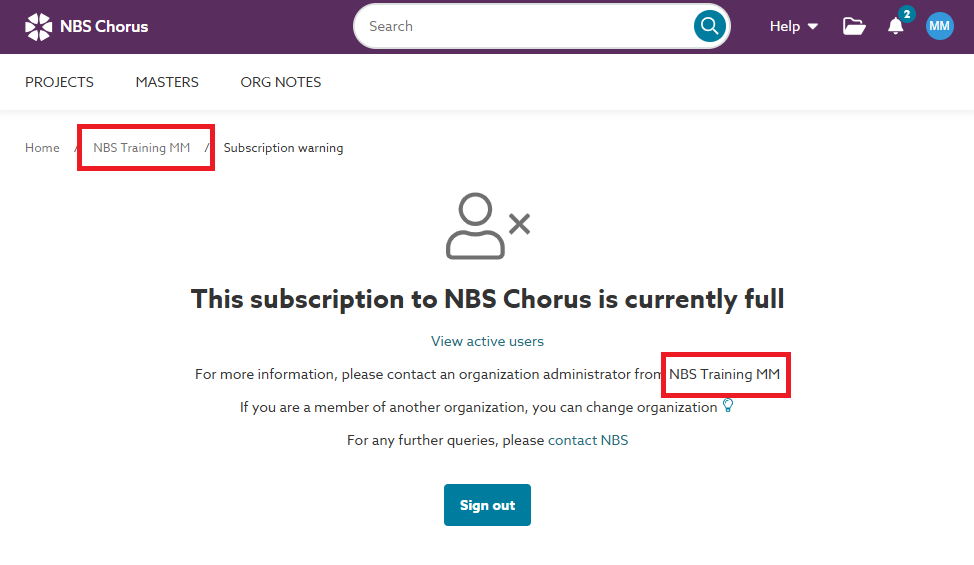
The easiest way to check is to look at the organization name in the navigation breadcrumb.
The organization name is always displayed after 'Home' in the navigation breadcrumb. It is also included in the message when the subscription is full.
To change the organization:
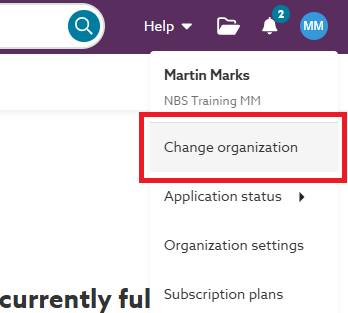
- Click on your avatar or initials in the right-hand corner.
- Select ‘Change organization’ from the menu.
2. Check which other users are logged into the platform
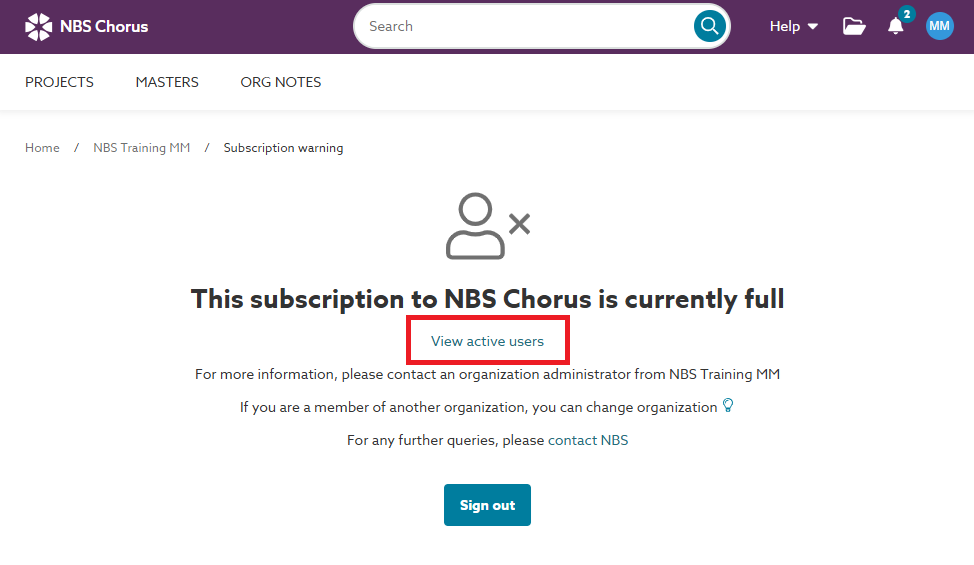
To check who is signed in:
- Click on the 'View active users' link.
- Please note: Whether the names of other users or the menu to end a user's session are visible to you depends on your role in the organization. This is fully explained in Who can end active user sessions?
- Ask other users to finish and sign out.