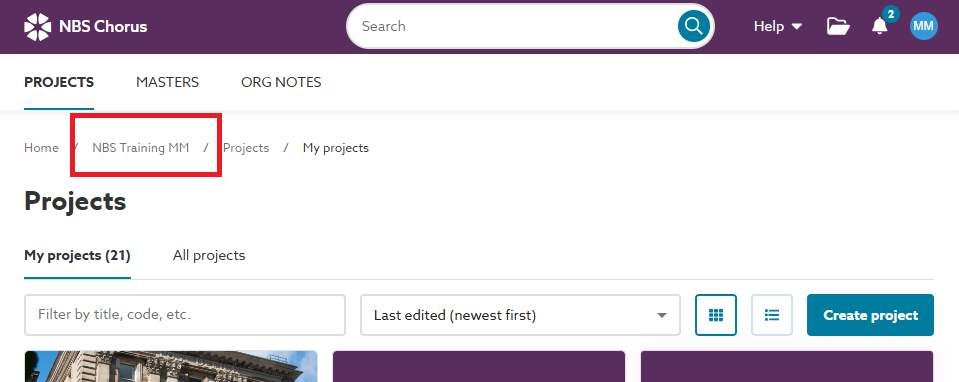
When you are invited to a project by another organization, the project you accept is added to a new dashboard just for that organization.
When working on this project, you will need to switch from your home organization to the organization you are collaborating with to access the project.
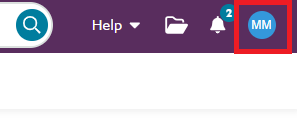
To switch organizations, click on your avatar or initials in the top right corner:
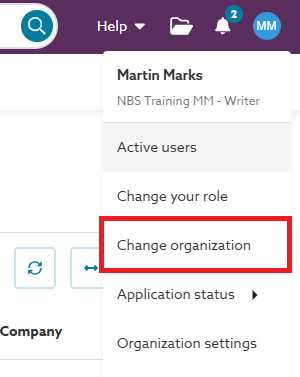
This will then present an option to Change Organization:
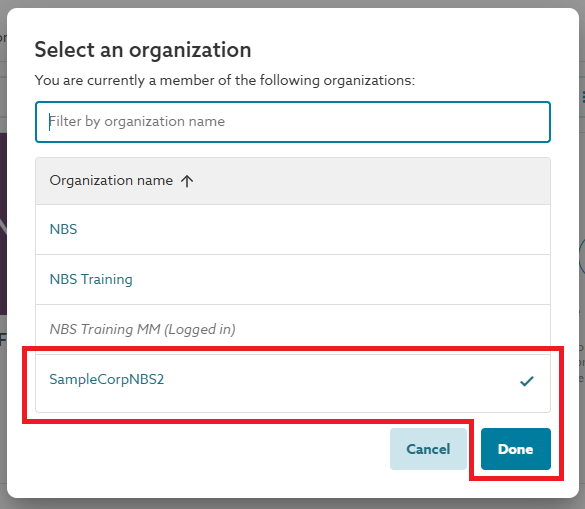
Once you click Change organization you will be presented with a list of all the organizations you have been invited to collaborate with:
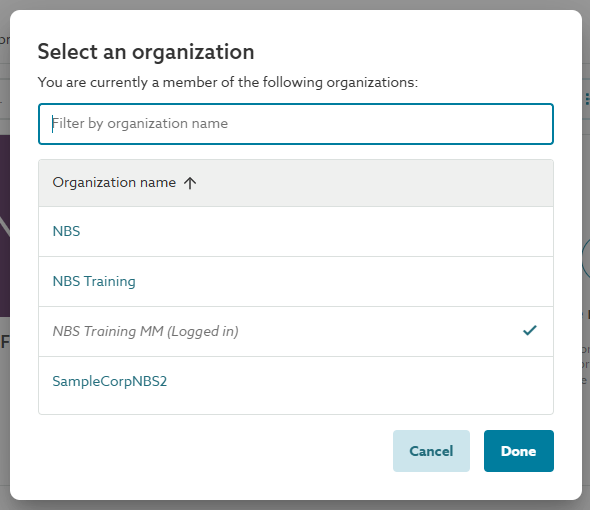
You will note that the organization you are currently logged into is selected by default in this dialog.
To switch to a different organization, click one of the other organization names and then click the Done button:
When you are viewing the project dashboard, you can see the name of the organization you are currently logged into within the breadcrumbs: