
When you search for content to add to your specification, the default sort order is by "Relevance":
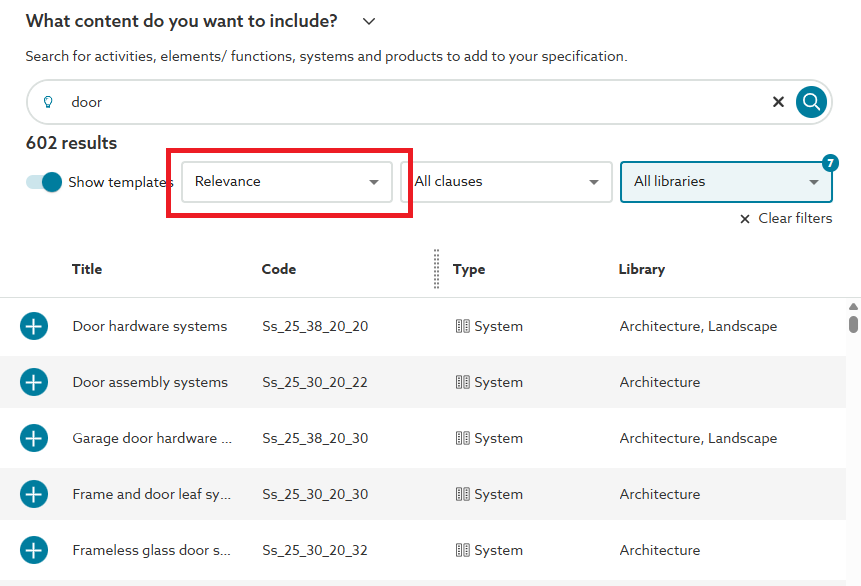
The search functionality uses a combination of many factors when populating the results, which includes how many times the search term appears within any of the content for the clause (this includes clause items and guidance), along with the length of the content (so that, for example, a 100 character document with 10 matches would rank higher than a 500 character long document with 20 matches).
As shown above, the results will list with the most relevant item at the top. Clicking on a section/ clause will bring up the guidance for more information, and clicking on the circled + icon will add that section/ clause into your specification.